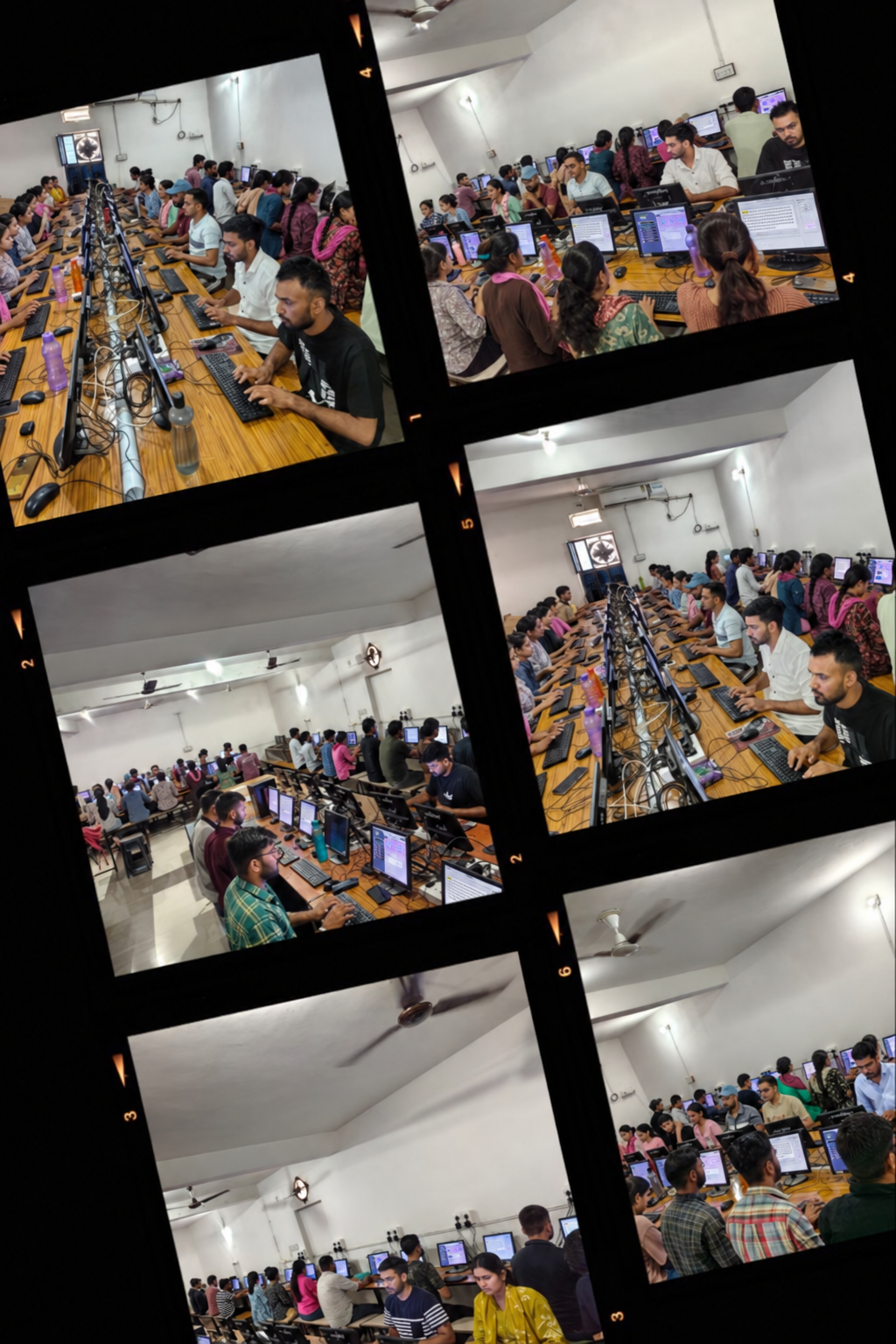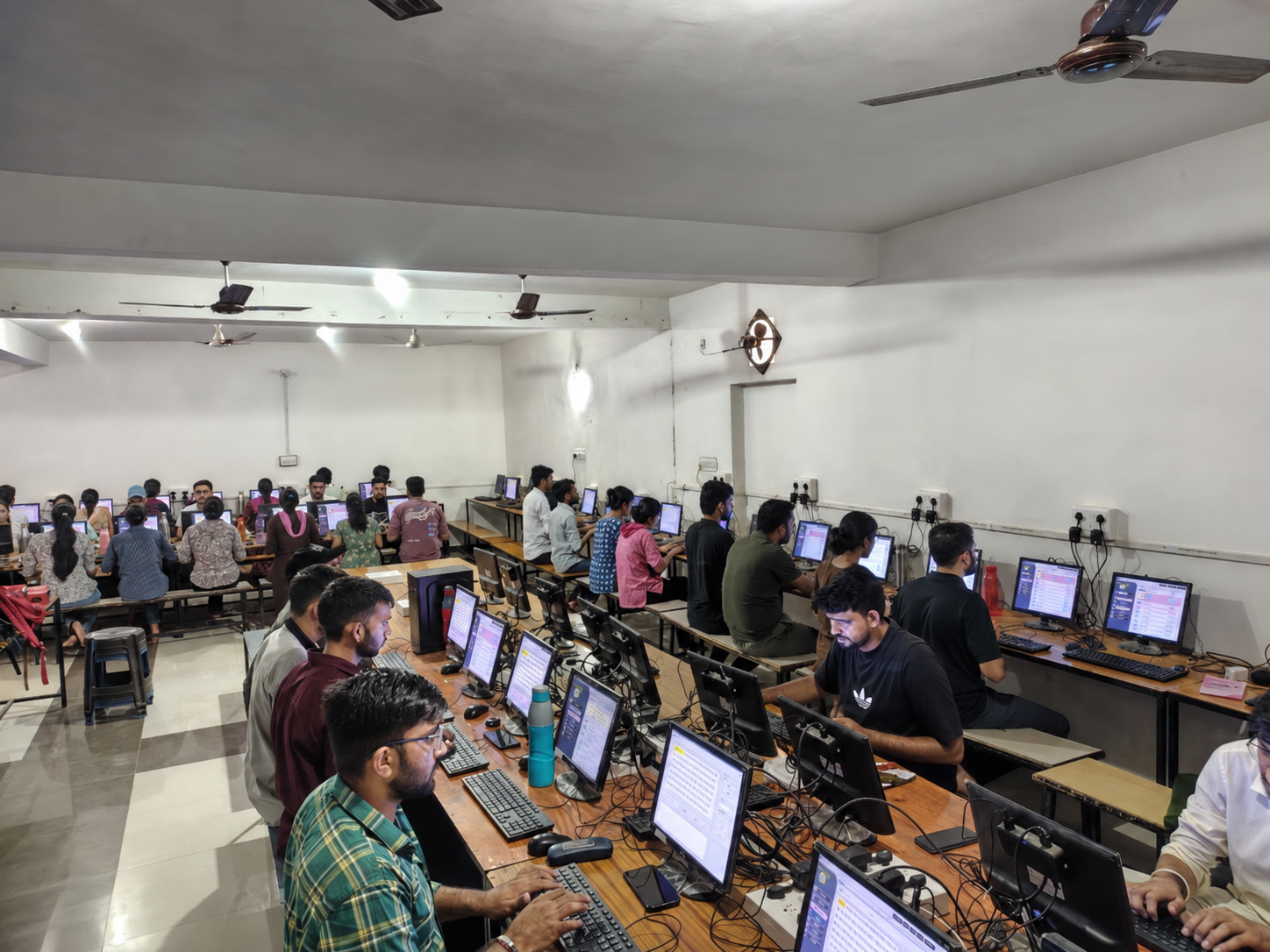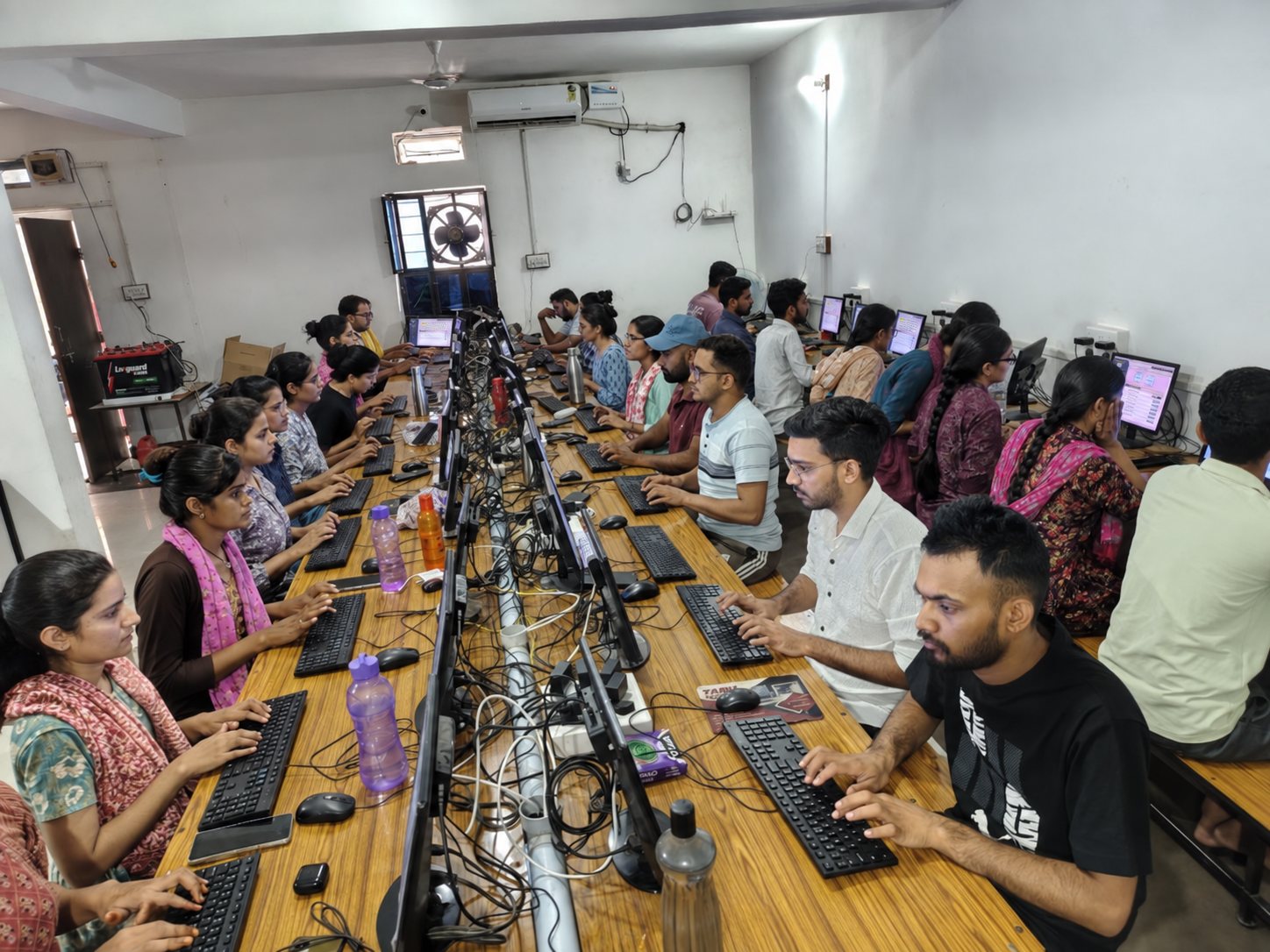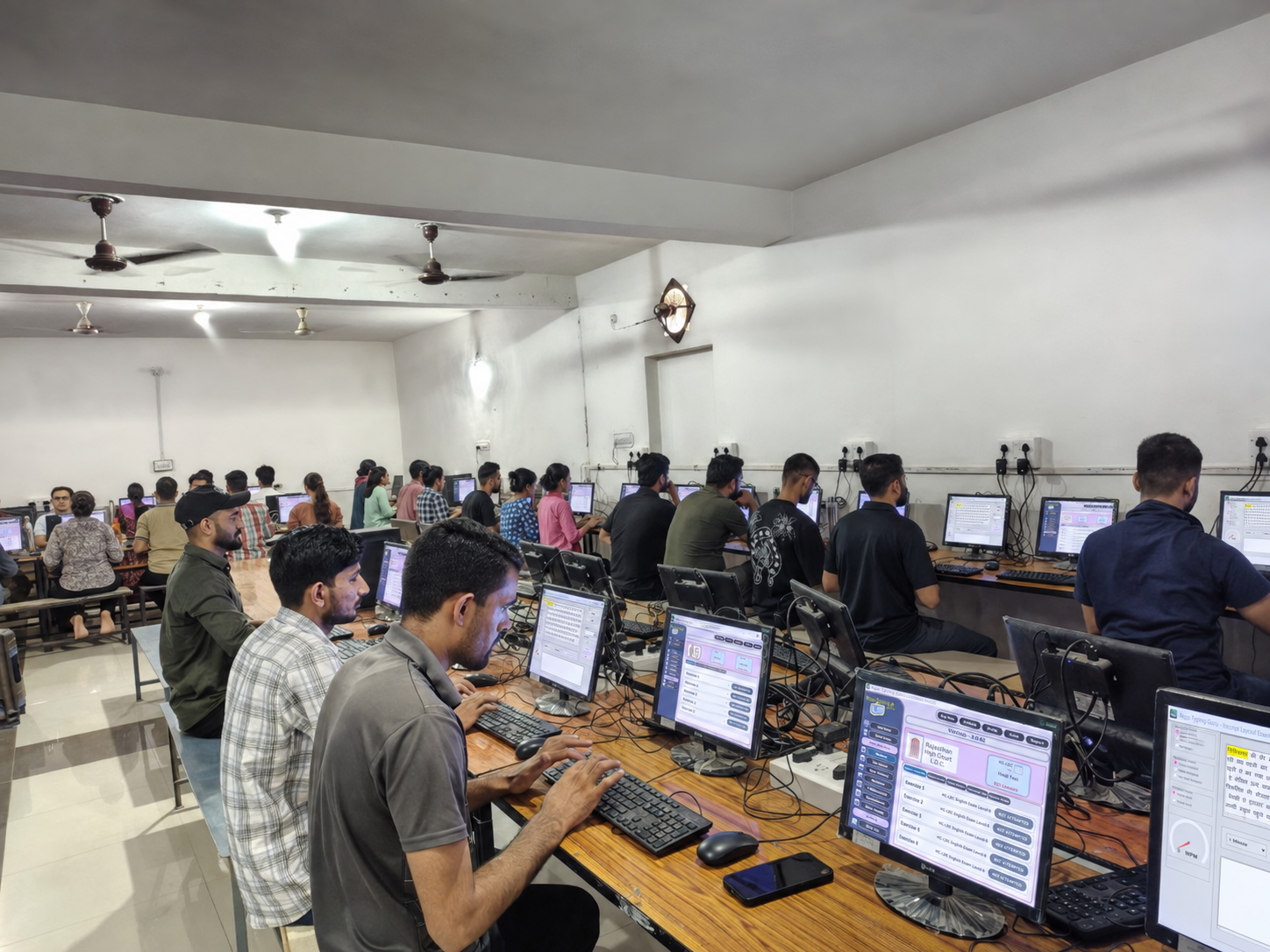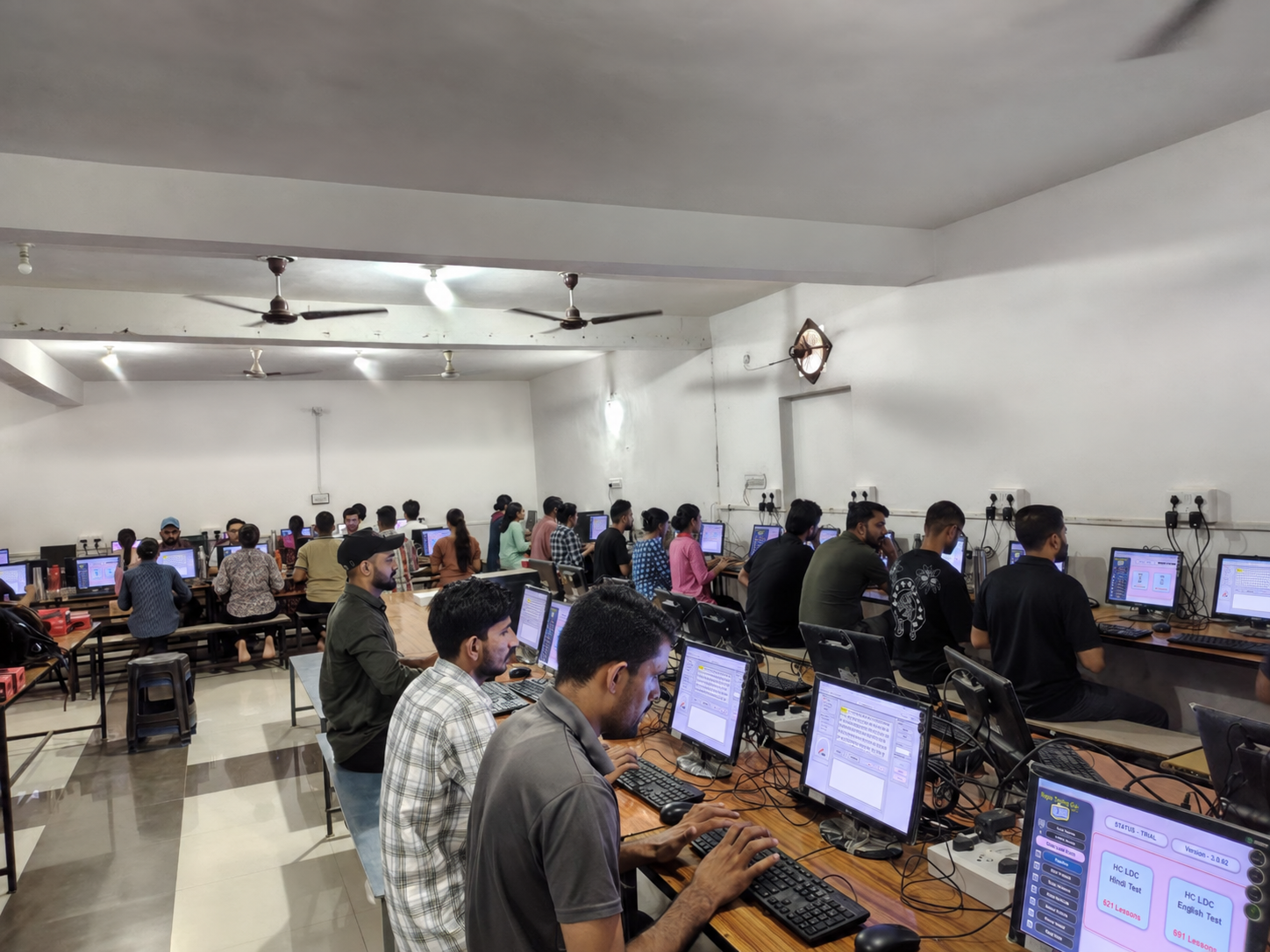
Exam preparation software

Prepare for the Rajasthan LDC Efficiency Test

Practise Microsoft Word and Microsoft Excel through simple, guided and exam-focused exercises on your own computer.

Designed for students who want clear instructions and practical preparation without technical complexity.

Important Information

Roma Skill is focused on Word and Excel practice for the Rajasthan State LDC Efficiency Test.

Go to Download Centre →

Preparation Modules

What students can practise

Short, useful exercises that help students understand the work expected in an efficiency test.
MODULE 01

Microsoft Word Practice

Learn to prepare and format documents accurately through guided exercises.

  • Document formatting and page setup
  • Tables, borders and paragraph settings
  • Letters, notices and office documents
  • Images, headers and review tools
MODULE 02

Microsoft Excel Practice

Build confidence with worksheets, formulas and common data tasks used in practical tests.

  • Cell formatting and worksheet layout
  • Basic formulas and useful functions
  • Mark sheets, tables and calculations
  • Sorting, filtering and charts

How to start your preparation

  1. 1
    Download

    Download the Roma Skill student edition on your Windows computer.

  2. 2
    Select a module

    Choose Microsoft Word or Microsoft Excel practice.

  3. 3
    Complete exercises

    Follow each task and repeat it until you are confident.

Roma Skill practice coverage

400Total exercise sets
4,000+Total questions
12,000+Total operations

Software Preview

See Roma Skill practice screens

A quick look at the practice menu, exercises and result report available in the software.
Practice menu and daily overview
Detailed result and correction report
Microsoft Excel practice set
Microsoft Word practice — English instructions
Microsoft Word practice — Hindi instructions

Click any image to view the complete software screen in a larger format.

Download Centre

Download Roma Skill for Windows

Start with the student edition and practise at your own pace.

Roma Skill — Student Edition

Version2.0.1
SystemWindows 7 to Windows 11
Office supportMicrosoft Office 2010 and newer versions
ModulesMicrosoft Word and Excel
File typeStudent installer — demo file

Please note: Birbal Sir’s WhatsApp number is only for purchasing the RomaSkill activation key. It is not a technical-support number.

Student Edition

Download for Windows

1,284 downloads

The download counter is ready to connect to your server.

Student Feedback

What learners say about the practice

Purchase Enquiry

Interested in the full Roma Skill software?

Fill in your details below. A purchase enquiry will be prepared and opened in WhatsApp for you to review and send.

Official Partner — Activation Key Information

The RomaSkill activation key can be purchased directly from Birbal Sir, Dedwana, Rajasthan, the official partner of RomaSkill software.
You will receive the activation key.
Also, you will receive the activation key on your WhatsApp.
Kindly WhatsApp after payment.
Kindly contact Birbal Sir for the activation key.

WhatsApp purchase contact 8385803624 For RomaSkill activation key purchase enquiries only

How to complete your purchase enquiry

Follow these three simple steps to receive your activation key.

1

Enter your detailsFull name, email, phone number and state.

2

Continue to WhatsAppYour enquiry message will be prepared automatically.

3

Contact the official partnerWhatsApp Birbal Sir at 8385803624 for the activation key after payment.

Please note: Your details are used only to prepare the activation key purchase enquiry for Birbal Sir on WhatsApp.

Student Purchase Enquiry Form

Fields marked with * are required.

Your enquiry will open in WhatsApp for Birbal Sir at 8385803624.

WhatsApp purchase enquiry 8385803624 Activation key purchase only